
Which Android Versions Are Affected?
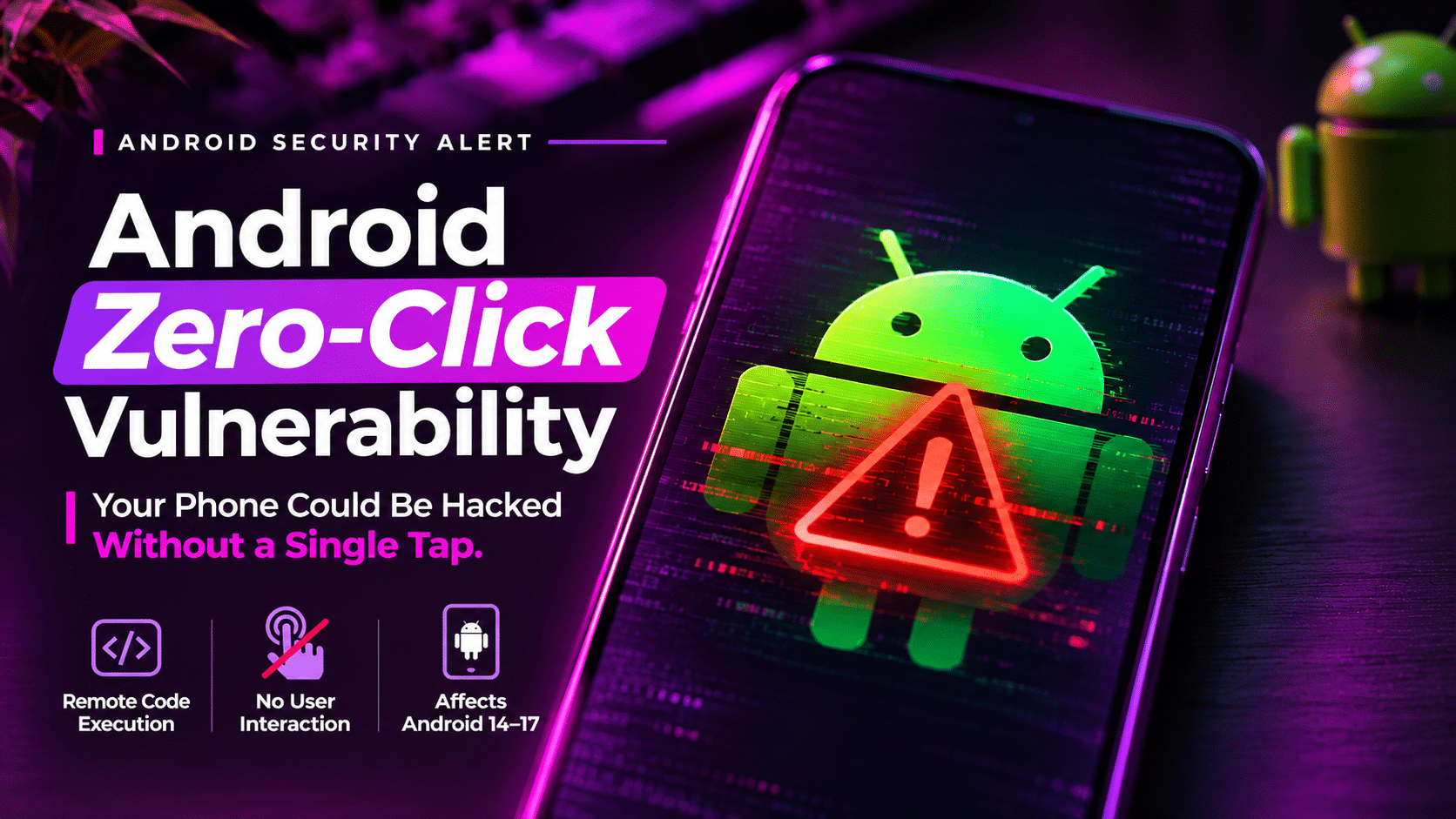
Google’s November 2026 security bulletin lists the following Android versions for CVE-2026-58868:
| Android version | Listed as affected |
|---|---|
| Android 14 | Yes |
| Android 15 | Yes |
| Android 16 | Yes |
| Android 17 | Yes |
This is the confirmed version range in Google’s vulnerability entry.
There is another issue worth understanding: Android software fragmentation.
Not every Android device receives security updates at the same time. Google releases platform security fixes, but manufacturers are responsible for delivering updates to many of their devices.
The device manufacturer, model, region and update support period can all affect when an update becomes available.
What About Android 13 and Older Devices?
Older Android versions are not listed as affected by this specific CVE in Google’s November bulletin.
However, that does not mean older devices are automatically safe.
Many devices running older Android releases no longer receive regular security support. Without ongoing updates, vulnerabilities discovered in the operating system and other components may remain unpatched.
Android distribution figures published in October 2026 indicated that 43.6% of active devices were still running Android 13 or older.
That figure should be understood as a separate security concern, not evidence that all those devices are affected by CVE-2026-58868.
Does This Mean Android Phones Are Being Hacked Right Now?
Not necessarily.
A critical vulnerability and an active cyberattack are two different things.
Google’s November bulletin describes the potential impact of successful exploitation. It does not establish that attackers are currently exploiting CVE-2026-58868 in the wild.
There is also an important distinction between a vulnerability being technically exploitable and an attacker having a practical method of reaching it.
For example, an attacker may need to identify a suitable delivery path, bypass security protections or meet other technical conditions before exploitation becomes possible.
The public documentation does not provide enough information to establish a complete attack scenario for this particular flaw.
So, users should take the update seriously without assuming their phones are already compromised.
How to Protect Your Android Phone
The most important step is to check your device’s Android security patch level.
You do not need a third-party security application to perform this check.
1. Check Your Android Security Patch Level
Open your phone’s settings and follow these steps:
- Open Settings.
- Select About phone.
- Open Android version.
- Find Android security update.
- Check the displayed patch date.
The exact menu names may vary depending on your manufacturer.
2. Look for the November 2026 Security Update
Google identifies two relevant security patch levels in its November bulletin.
- 2026-11-01 or later: Addresses vulnerabilities included in the November 1 patch level, including CVE-2026-58868.
- 2026-11-05 or later: Covers the November 5 patch level and the earlier November security fixes.
If your device has not received the relevant update, check for available software updates.
Go to:
Settings → System → Software update
Some manufacturers use different menu names.
3. Install Updates From Official Sources
Only install system updates provided through your device manufacturer’s official update mechanism.
Avoid downloading unofficial firmware packages from unknown websites just because they claim to contain the latest security fixes.
An untrusted firmware package can introduce additional security problems.
Also, do not confuse the Android security update with the Google Play system update. Check the actual Android security patch level to confirm whether the relevant platform fix has been included.
4. Keep Google Play Protect Enabled
Google Play Protect checks applications for potentially harmful behaviour and provides additional protection against malicious apps.
Keep it enabled, especially if you regularly install applications outside the Play Store.
However, Play Protect should not be treated as a replacement for Android security patches.
5. Replace Devices That No Longer Receive Security Updates
If your phone has reached the end of its manufacturer’s security support period, consider upgrading to a device that receives regular security updates.
A phone that still works perfectly can nevertheless become a security liability when its software is no longer maintained.
Before purchasing a replacement, check the manufacturer’s published update policy.
Why Android Security Updates Matter
Security updates are not just about adding new features or improving performance.
They address weaknesses that attackers could potentially use to compromise devices, access information or execute malicious code.
The Android zero-click vulnerability is a useful reminder of why regular updates matter.
Even experienced users who avoid suspicious links and carefully manage their applications can depend on the security of the operating system underneath everything they do.
A vulnerability in a system component can affect the device independently of how carefully someone uses individual applications.
That is why keeping Android updated should be part of basic digital security, not something users do only when a warning appears.
Frequently Asked Questions
What is CVE-2026-58868?
CVE-2026-58868 is a critical Android remote code execution vulnerability involving a heap buffer overflow in FrameDecoder.cpp. Google documented it in its November 2026 Android Security Bulletin.
Can CVE-2026-58868 hack an Android phone without touching it?
The vulnerability does not require user interaction for exploitation, according to Google’s description. However, the public documentation does not establish that every device can be attacked through any arbitrary remote connection.
Which Android versions are affected?
Google lists Android 14, 15, 16 and 17 as affected versions in its November 2026 bulletin.
Is Android 13 affected by CVE-2026-58868?
Android 13 is not listed among the affected versions for this specific CVE. However, devices running older Android versions may face separate risks if they no longer receive security updates.
How do I fix the Android zero-click vulnerability?
Install an Android security update containing the November 1, 2026 patch level or later. Check your device’s Android security patch date and contact your manufacturer if the update is unavailable.
Is Google Play Protect enough to protect against this vulnerability?
No. Play Protect provides additional protection against potentially harmful applications, but it does not replace the required Android platform security update.
Does a zero-click vulnerability mean my phone is already hacked?
No. A zero-click vulnerability describes an exploitation condition in which user interaction is not required. It does not prove that an attacker has compromised your device.
Final Thoughts
The Android zero-click vulnerability highlights a problem that often goes unnoticed: security weaknesses can exist deep inside the software we rely on every day.
CVE-2026-58868 is particularly serious because of its potential for remote code execution without user interaction. Google has published the relevant security fixes, but getting those fixes onto individual devices depends on update availability.
Check your Android security patch level, install the latest official update and pay attention to how long your manufacturer continues supporting your device.
Google Android Security Bulletin — November 2026
Disclaimer: This article is intended for cybersecurity awareness and educational purposes. Technical details are based on publicly available documentation as of November 8, 2026. Vulnerability information and manufacturer update availability may change.